New Self-Serve Locations Feature Now Available
Hi,
We know how frustrating it can be when you’re unable to complete certain configurations on your own, so we’re pleased to let you know that the first stage of self-serve functionality has now begun 🎉
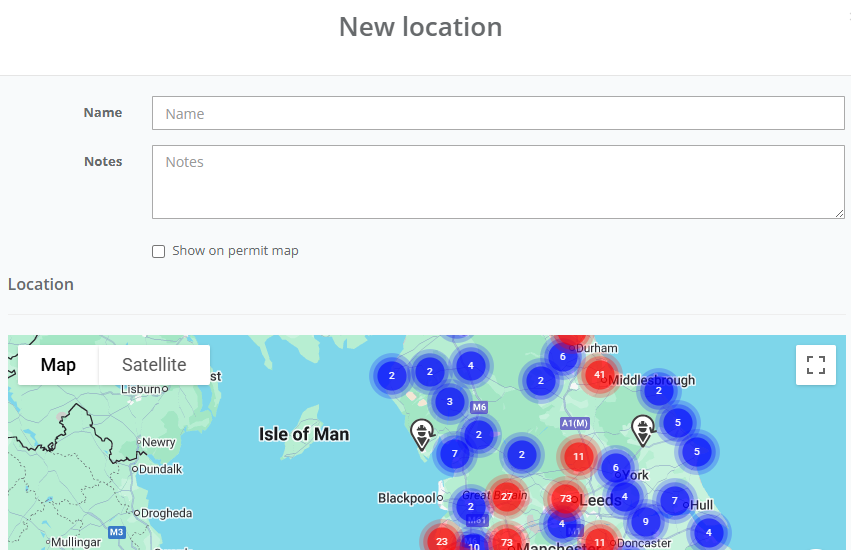
Users with the relevant permissions can now add locations directly within the app. This includes entering latitude and longitude details, allowing the map to accurately configure the precise location for you. If you use QR codes, these can also be generated and printed as part of this process.
How to access the new feature:
Go to Config in the left-hand side menu
Select Locations
Click the plus (+) button in the top-right corner to create a new location
Complete the location details, including the latitude and longitude coordinates
Click Save
If you have QR capability enabled, you’ll also see a QR code button next to the Edit and Delete options for each location, allowing you to view and print the code.
If you have any questions or would like support getting started, please don’t hesitate to reach out, we’re happy to help.
Kind regards,