Single Contractor editing
Ever had to create a new project because the contractor has changed? Or found yourself deleting the existing contractor before you can add the new one, thinking there must be an easier way? 👀
Well, there is! 🎉
You can now swap a contractor in just four simple clicks. No need to delete the existing contractor or create a whole new project.
The best part? You can do it either from within the project itself or directly from Project Search.
This update will be available with your next app update, so you’ll soon be able to make those contractor changes much quicker and easier. 🚀
Check out the demo below to see it in action!
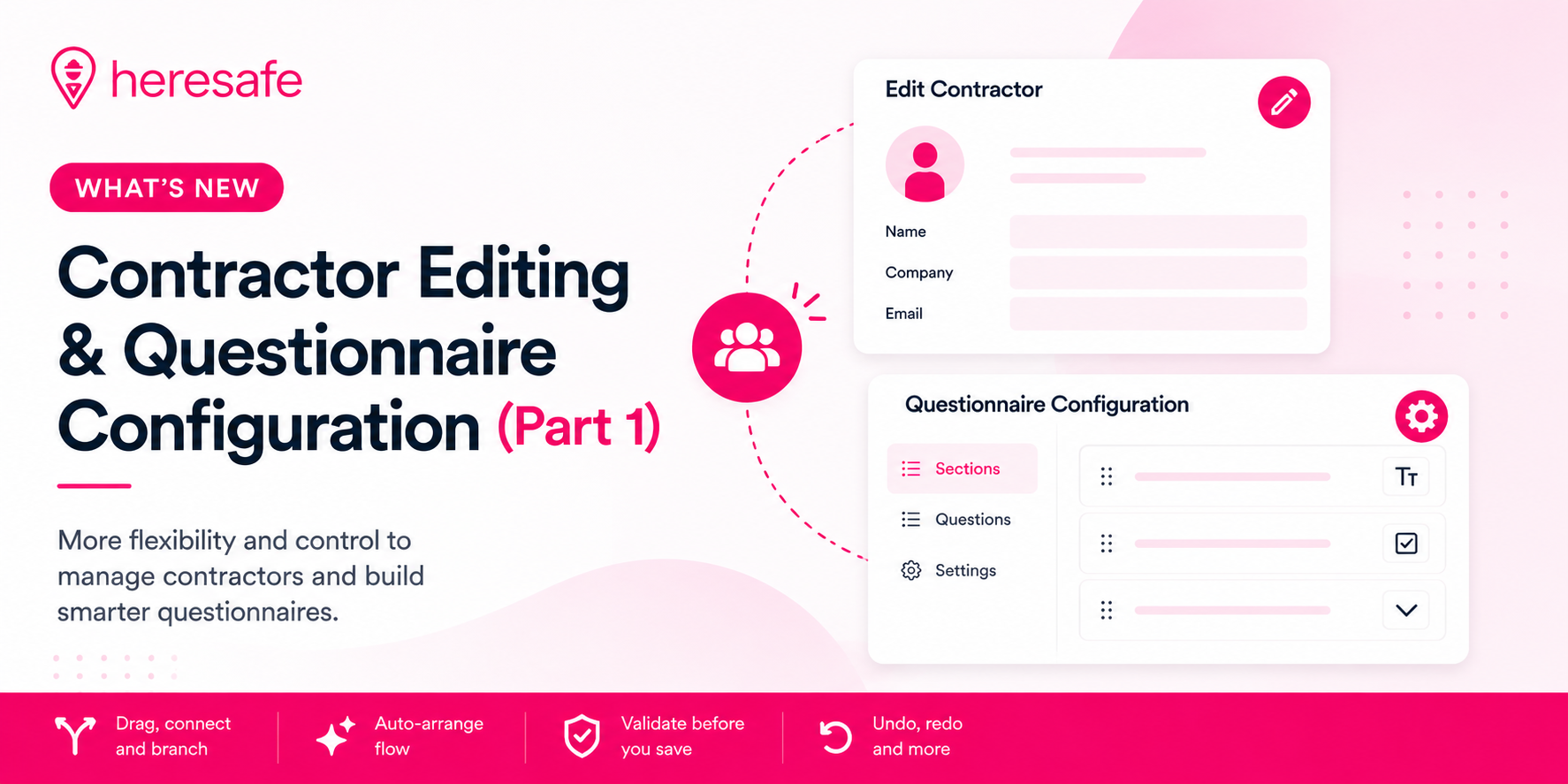
Questionnaire Configuration: Phase 1 is Live! 🎉
The first stage of our Questionnaire Self-Configuration is now live!
You can now:
This is just the beginning. 🚀
We’re currently putting the finishing touches to the next stage, which will allow you to edit existing questions and create completely new questions. We’re just finalising this functionality before we release it, so keep an eye out for the next update!
Automated Post-Expiry Credential Reminders
We’ve introduced automated reminders for expired credentials, helping you stay on top of documentation that has passed its expiry date.
What’s new?
Heresafe already sends notifications to subcontractors and suppliers when credentials are approaching their expiry date. This new functionality takes things a step further by continuing the reminder process after a credential has expired.
Once enabled, the system will automatically send reminders to relevant subcontractors and suppliers whose credentials have expired. These reminders will continue at the agreed frequency until the required updated documentation has been uploaded.
Choose your reminder frequency
The post-expiry reminder alert can be configured to suit your requirements. Whether you want reminders weekly, fortnightly or at another regular frequency, we can set this up for you.
Please contact us to enable this alert and let us know your preferred reminder frequency.
Why is this useful?
This helps reduce the need for manual follow-ups and makes it easier to maintain up-to-date contractor documentation.
By continuing to remind suppliers after a credential has expired, you can help ensure important documents such as insurances, policies and certifications are kept current and compliance gaps are quickly brought to attention.
No more expired credentials quietly gathering dust. Heresafe will keep the reminders coming until the updated document is uploaded. 📋🔔
🚨 Alerts Module: It’s Here, With More to Come! 🚨
You may have noticed you’ve been seeing and receiving a few more notifications recently… and here’s why! 👀
We’ve changed the way Alerts work to make them more user-friendly and, more importantly, give you greater control over how they work.
With more of our system alerts being added to the module, and a My Subscriptions section coming soon, we’re giving you the flexibility to decide:
🔔 What alerts are triggered
👥 Who receives them
⚙️ How they’re sent
The aim is simple: put you in control of your notifications, so you get the alerts you need, without being bombarded by the ones you don’t.
Want to see how it all works? 👀 Our lovely Dev, James, is here to talk you through it in the video below! 🎥🚨 Alerts Module: It’s Here, With More to Come! 🚨
You may have noticed you’ve been seeing and receiving a few more notifications recently… and here’s why! 👀
We’ve changed the way Alerts work to make them more user-friendly and, more importantly, give you greater control over how they work.
With more of our system alerts being added to the module, and a My Subscriptions section coming soon, we’re giving you the flexibility to decide:
🔔 What alerts are triggered
👥 Who receives them
⚙️ How they’re sent
The aim is simple: put you in control of your notifications, so you get the alerts you need, without being bombarded by the ones you don’t.
Want to see how it all works? 👀 Our lovely Dev, James, is here to talk you through it in the video below! 🎥